
Strong Introduction
Software updates and regular diagnostics are as important to your Tesla as oil changes used to be for gasoline cars. Tesla delivers new features, safety improvements, and bug fixes over-the-air (wirelessly), and diagnostics reveal hidden issues that can quietly reduce range, degrade sensors, or affect safety systems. If you skip updates or neglect diagnostics, your car may not run as efficiently or as safely as it could.
In this article, you’ll learn what Tesla updates do, why diagnostics matter, how to tell when your car needs attention, and exactly what to ask your service provider. You’ll get real-world examples and pro tips you can use right away, plus a clear checklist to help you decide whether to wait for a scheduled service or act now.
Why software updates matter
Tesla pushes updates that do more than add niceties like new visualizations or entertainment options. Updates can recalibrate battery management, refine regenerative braking (how the car recovers energy when you lift off the accelerator), and improve range estimation. They also patch security holes and fine-tune driver-assistance features such as lane keeping and automatic emergency braking.
When an update addresses battery management, it can change how the car charges or how the battery is balanced cell-by-cell. Those changes affect longevity and real-world range. So updates are not optional extras; they directly influence performance and safety.
Why diagnostics are the partner to updates
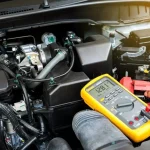
Diagnostics are the tests technicians run to read error codes, sensor health, and battery condition. Think of diagnostics as a health check that tells you whether an update applied cleanly or if a component is failing.
For example, an update might improve camera processing, but a misaligned camera or a failing sensor will still prevent features from working correctly. Diagnostics find those physical problems. Together, updates and diagnostics keep software and hardware working in sync.
Pro Tip: Schedule a diagnostics scan after a major update if you notice any new warnings, odd behavior, or reduced range. It catches problems early.
How Tesla updates and diagnostics work
When Tesla releases an update, you’ll get a notification in the car and the Tesla app. You can install it over Wi-Fi or cellular. Major updates may require the vehicle to be stationary for a while and could reboot systems.
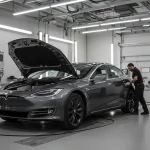
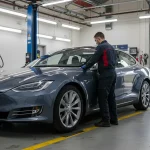
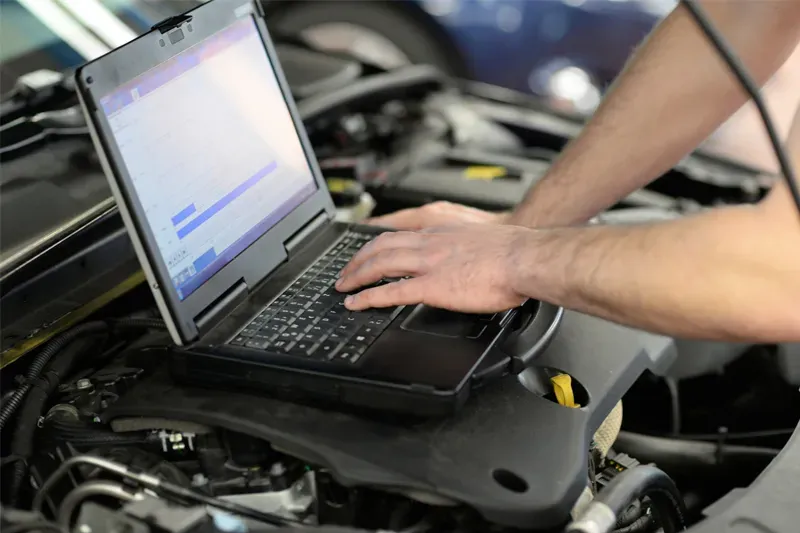
Diagnostics can be run remotely by Tesla or in person at a service center. A technician hooks into the car’s onboard computers to read logs and run tests. They’ll check battery health, inverter function (which converts battery DC power to the AC motors’ use), sensor calibration, and software module statuses.
Pro Tip: If you rely on Autopilot or Full Self-Driving features, request a post-update ADAS (advanced driver-assistance systems) verification. Calibrations sometimes need a short drive to settle.
Comparison: What different updates and diagnostics address
| Update / Diagnostic Type | What it improves or checks | When it matters |
|---|---|---|
| Battery management update | Charging profiles, cell balancing, range estimation | After range loss or charging issues |
| ADAS software update | Camera/radar processing, lane-keeping, braking logic | When driver-assist behavior changes |
| security update | Media, app stability, cybersecurity fixes | Regularly for stability & privacy |
| Battery health diagnostic | State of health, capacity loss, cell imbalance | If the range drops or after hard impacts |
| Sensor & calibration check | Camera alignment, radar/ultrasonic function | After repairs, windshield replacement, or bodywork |
Common signs you need diagnostics
You don’t need daily scans, but certain symptoms should trigger one. Sudden range drops, unexplained charging interruptions, new dashboard warnings, inconsistent Autopilot behavior, or camera/parking sensor failures all deserve immediate attention.
A real-world example: a Tesla owner reported a 15% sudden range loss after a long road trip. A diagnostic revealed a software bug in the range estimator that was fixed by an update, and a battery cell that was starting to underperform. Early detection prevented a full module failure.
Pre-Decision Considerations: Should you install every update immediately?
Deciding when to install an update is about risk vs. reward. If the update lists safety, braking, or battery improvements, install it as soon as possible. If it’s a minor entertainment or cosmetic change and you rely on your car for long trips the next day, you may delay until you’re parked overnight.
Before major updates, back up important settings, note any existing warnings, and plan a short test drive after installation. For diagnostics, prioritize them when symptoms appear or after body or windshield repairs.
Cost Factors and What to Expect
Most over-the-air updates are free. Diagnostics at a certified shop may incur a fee, though many dealerships or certified centers include a basic scan with warranty work or post-repair checks. If diagnostics reveal hardware failures like a failing inverter or battery module, repair costs vary with complexity and parts availability.
Timing matters: delaying diagnostics can let a small issue turn into a major repair that’s far more expensive.
Common Mistakes to Avoid
Don’t ignore the update release notes. Assume small updates are trivial — some address safety. Don’t skip diagnostics after a collision or major software update. And don’t let non-certified shops run software updates or diagnostics unless they use proper Tesla tools; incorrect updates can leave calibration errors or warranty gaps.
Key Questions Readers Ask
How often should I let my Tesla update?
Install safety, battery, and ADAS updates as soon as practical. Cosmetic updates can wait if you’re about to drive long distances. A monthly check for update availability is a good habit.
Can a software update reduce my range?
Rarely do most updates aim to improve range or estimation. If you see a range decline after an update, run diagnostics. Sometimes the update corrects the estimator and reveals true battery health; diagnostics will tell you which.
Are remote diagnostics reliable, or do I need an in-person check?
Remote diagnostics are effective for many issues and can identify most software and log-based faults. But physical problems coolant leaks, battery pack damage, or sensor misalignment, still require in-person inspection.
Will updates affect my warranty?
No official Tesla updates don’t void the warranty. However, having non-certified shops perform software changes or diagnostics with unsupported tools can create warranty disputes.
Conclusion & Next Steps
Software updates and diagnostics are not optional extras for Tesla owners; they’re essential maintenance. Updates deliver new features and safety patches; diagnostics find hardware problems that hide behind clean software. Together, they keep range, safety systems, and your car’s value intact.
If you want certified diagnostics or help after a major update or collision, CARSTAR Quality Auto Body and Tesla Service can run factory-grade scans and post-update verifications. For assistance, email info@qualitycarstar.com or call (215) 355-5019. Take updates seriously and schedule diagnostics when you notice anything unusual in your car, and your peace of mind will thank you.